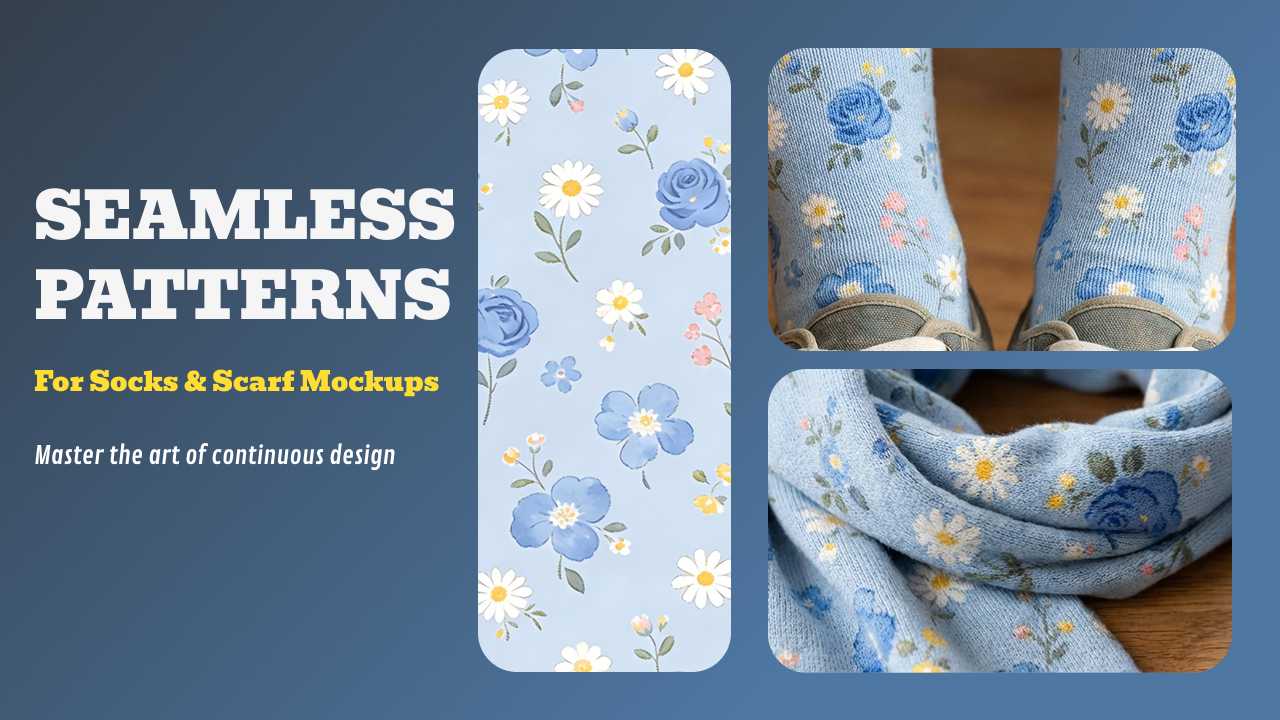
In the fast-paced world of Print-on-Demand (POD), speed and professional presentation are everything. Whether you are designing for high-end silk scarves or trendy athletic socks, mastering a seamless pattern generator is the secret to creating infinite designs without the manual headache.
In this guide, we’ll walk through how to create flawless repeats and how to use a next-generation mockup generator to turn those designs into sales-ready assets.
Table of Contents
- Understanding Repeat Types
- How to Create a Seamless Pattern: 3 Proven Methods
- The AI Revolution: Using a Mockup Generator
- Step-by-Step: Mastering All-Over-Print (AOP) for Socks & Scarves
- 2026 Design Trends: The Maximalist Palette
- FAQs
🚀 MAJOR UPGRADE: Next-Gen AI Model Integration is Live!
We are thrilled to announce the integration of the latest Pro-grade AI models directly into the Mockuplabs canvas: Nano Banana Pro, Seedream 4.0, and Seedream 4.5.
Why use the new AI Integrated Version?
- Pro-Level Textures: Nano Banana Pro excels at rendering intricate knitwear patterns for socks and high-end silk textures for scarves with breathtaking realism.
- Intelligent Continuity: Seedream 4.0 & 4.5 are specifically optimized for "Infinite Tiling," ensuring your generated artwork is perfectly seamless and ready for All-Over-Print (AOP) without manual adjustment.
- Unmatched Precision: Generate, preview, and map your designs in one unified workspace. These models understand lighting and fabric drape better than any generic generator.
Experience the Pro AI Models Now!
Understanding Repeat Types
Before jumping into the tools, you must choose your flow:
- Full Drop: A classic grid; best for geometric shapes.
- Half Drop: Vertically staggered; creates a natural, organic flow.
- Brick: Horizontally offset; perfect for "random" motifs on accessories.
How to Create a Seamless Pattern: 3 Proven Methods
Method 1: The AI Seamless Pattern Generator (Best for Speed)
For designers who want to iterate quickly, an AI seamless pattern generator like Lovart.ai or Midjourney is a game-changer.
- Prompting: Use specific prompts like "seamless repeating pattern of bold 2026 geometric animal prints, vibrant primaries."
- Validation: Always tile your result 3x3 to ensure the flow is uninterrupted before exporting as a high-res PNG.
Method 2: Precise Control with Adobe Illustrator
If you need vector scalability, Illustrator’s Pattern Options is the professional standard.
- Go to Object > Pattern > Make.
- Select your "Brick" or "Grid" repeat.
Expert Deep Dive: While the Pattern Options tool is powerful, it has limitations (like using the Eraser tool in editing mode). To truly master complex, interlocking designs, you need to know how to transition your workflow from the Pattern Tool back to the Artboard for refined editing.
Watch this Step-by-Step Tutorial: Mastering Seamless Repeat Patterns in Illustrator – This guide by Laura Coyle perfectly demonstrates how to overcome tool restrictions to create high-end, textured vector patterns that are production-ready.
Method 3: Online Pattern Tools & Photoshop
Tools like Repper or Seamless Texture Creator offer a middle ground between AI and manual design. They allow you to upload a single motif and instantly transform it into a seamless pattern with various mathematical symmetries.
The AI Revolution: Using a Mockup Generator
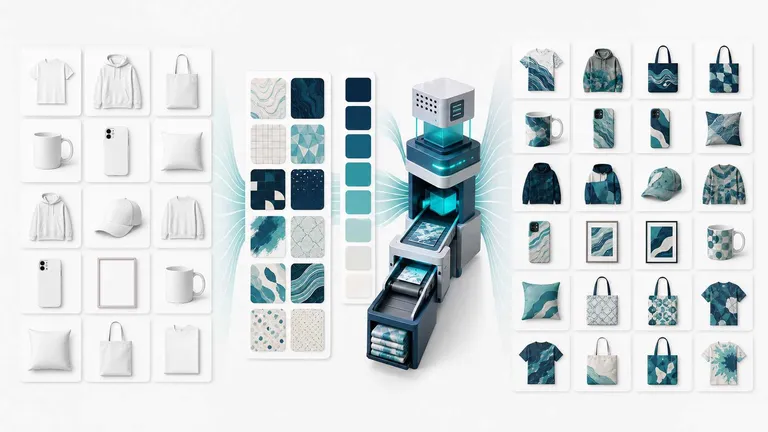
While traditional warping in Photoshop is laborious, AI mockup generators automate this. Mockuplabs.ai stands out by letting you use simple patterns—no pre-seamless required—and applying them seamlessly via AOP.
A realistic visualization provides:
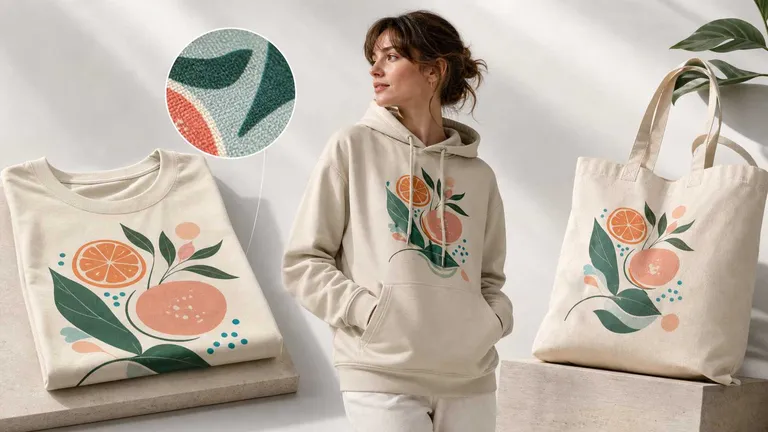
- Natural Draping: Shows how fabric folds over a scarf or stretches over a sock.
- Global Lighting: Realistic shadows that make the product look "physical."
- Efficiency: Swap patterns in seconds to A/B test which design converts better.
Step-by-Step: Mastering All-Over-Print (AOP) for Socks & Scarves
Mockuplabs's AOP turns any image into an editable mockup, handling seamless application automatically:
- Upload Your Product Image: Upload a PNG/JPG of your actual product (e.g., a white sock or scarf). Or use templates from our library.
- Convert to Mockup: Click "Mockup" for editable format—AI detects shapes.
- Select Print Area: Use the "Area Select" tool to highlight where you want the design. For socks and scarves, select the entire item for an All-Over-Print (AOP) effect. Use the eraser for precision near edges.
- Add Your Pattern: Upload a simple motif (no need for pre-seamless tile), drag onto mockup.
- Apply Seamless Effect: Select pattern, choose type in right panel. The AI arranges the seamless pattern automatically, adapting it to the wrinkles, shadows, and curves of the fabric.
- Download: Export in high-res PNG, JPG, or WEBP—ready for Shopify or Etsy.
This process unlocks creative freedom—unlike traditional tools, Mockuplabs.ai makes simple patterns seamless on upload, perfect for full-coverage items like socks and scarves.
Pro tips: Creating a seamless flow is different for every garment. If you’re expanding your 2026 collection beyond socks and scarves, check out our deep-dive technical guides to perfect your alignment:
- Shirts: Learn how to design and visualize all-over-print shirts using our AI canvas.
- Design Strategy: Follow our comprehensive AOP shirt design guide for professional layout tips.
- Hoodies: Stay ahead of the curve with all-over-print hoodie design trends for the upcoming season.
2026 Design Trends: The Maximalist Palette
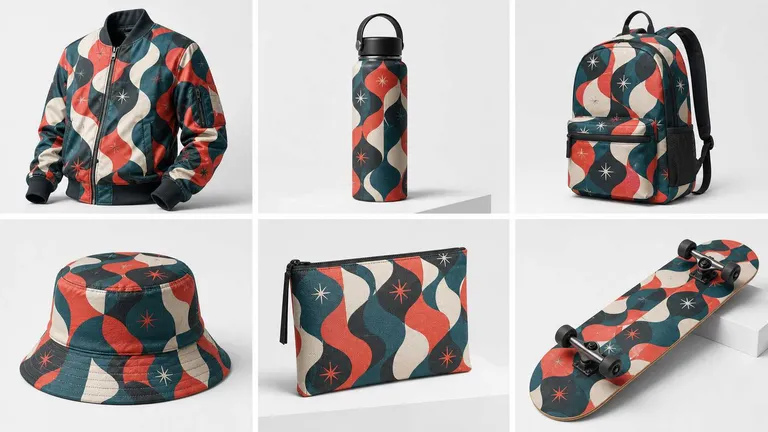
For 2026, lean into "maximalist" colors like Jade, Plum Noir, and Persimmon—full-volume colors that are bold, bright, and anything but subtle. These "high-octane" hues pop significantly better when processed through an AI mockup generator because the software maintains the color integrity while adding realistic lighting.
Conclusion
A seamless pattern generator paired with a mockup generator empowers you to thrive in 2026's POD scene. By simplifying seamless creation—starting with basic motifs and letting AI handle repeats—you gain efficiency and creativity.
Ready to see seamless pattern in your product?
Upload your first pattern and experience the AI-powered AOP difference for yourself.
FAQs
Q: How can I replace color in an image online for free with AI?
In Mockuplabs, you can use the Smart Recolor function. Upload your image, click "Rasterize" to convert it, and then use the "Color" tool to select and change any area's color in real-time.
Q: Can I create a mockup from an image I already have?
Yes! This is the core feature of Mockuplabs. Simply upload any product photo and click the "Mockup" button to transform it into a fully editable mockup.
Q: How to create mockups with AI if I don't have design experience?
It's as simple as uploading your product photo, letting the AI convert it into a mockup, and dragging your design onto it. The AI handles the complex warping and lighting for you.
Q: What are good alternatives to Placeit for product mockups and branding?
Mockuplabs.ai is the best alternative to Placeit. While Placeit limits you to fixed templates, it allows you to "Mock Up Anything," including your own unique product photos, with more advanced AOP (All-Over-Print) capabilities.
Q: Is there a free mockup generator with no watermark?
Mockuplabs allows you to design and preview for free. You can download high-resolution, no watermark, professional-grade mockups (PNG, JPG, WEBP) suitable for commercial use directly from the canvas.
Q: Do I need a pre-made seamless pattern?
No, with AI like Mockuplabs.ai, simple motifs become seamless via AOP.